Image upscaler for Mac
Small image.
Bigger plans.
Enlarge photos for product listings, layouts and print. All on your Mac.
12 full-resolution exports · Unlimited previews · No account · No time limit
US$29 once for one Mac. Includes 12 months of updates. No subscription.
Enhance (AI) · 2× · Fitted overview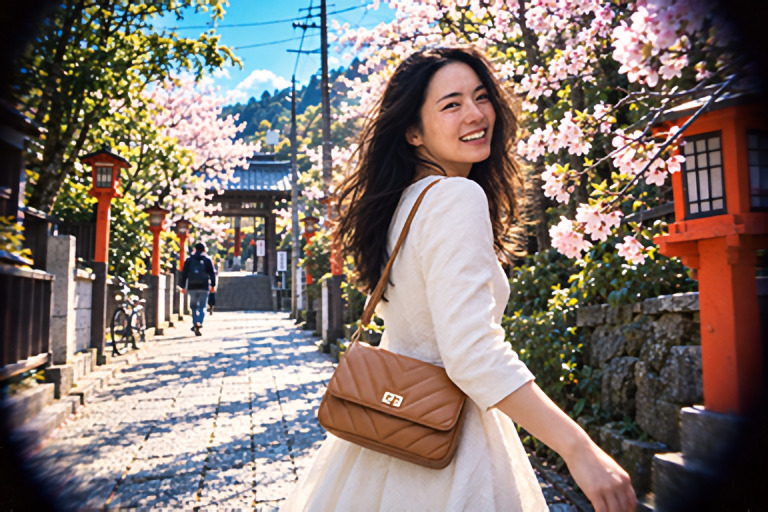
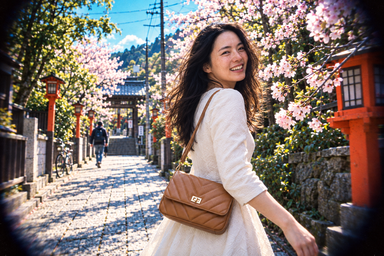 Source · 384 × 256
Source · 384 × 256Contains AI-estimated detail.
Real app output
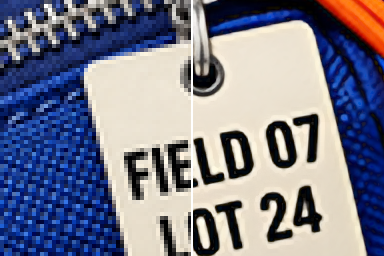
Product shot. Look closer.
Compare the original's source pixels with MacnifyIt at 4×.
Move your cursor across the picture to reveal the result. Inspect the detail before deciding.
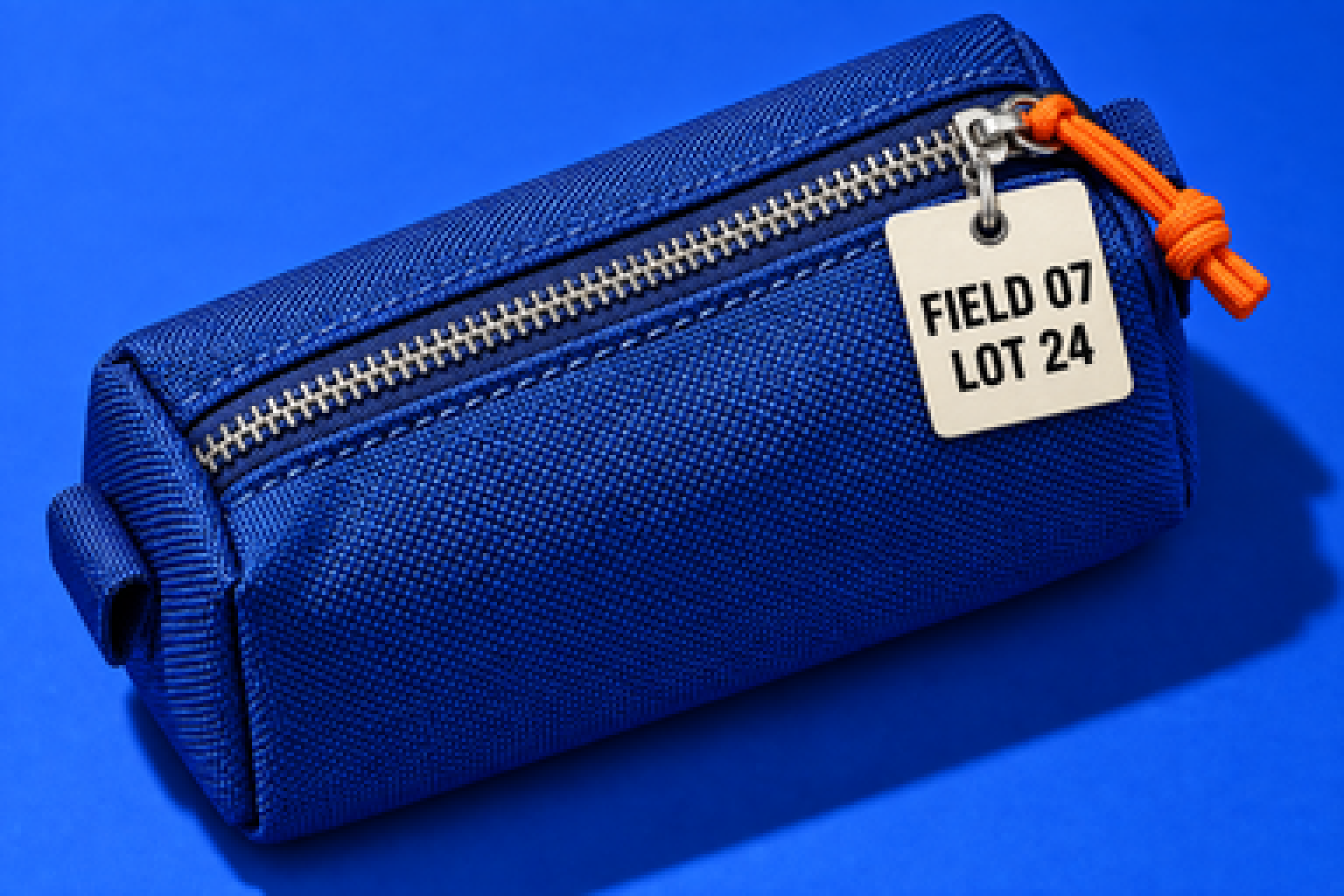
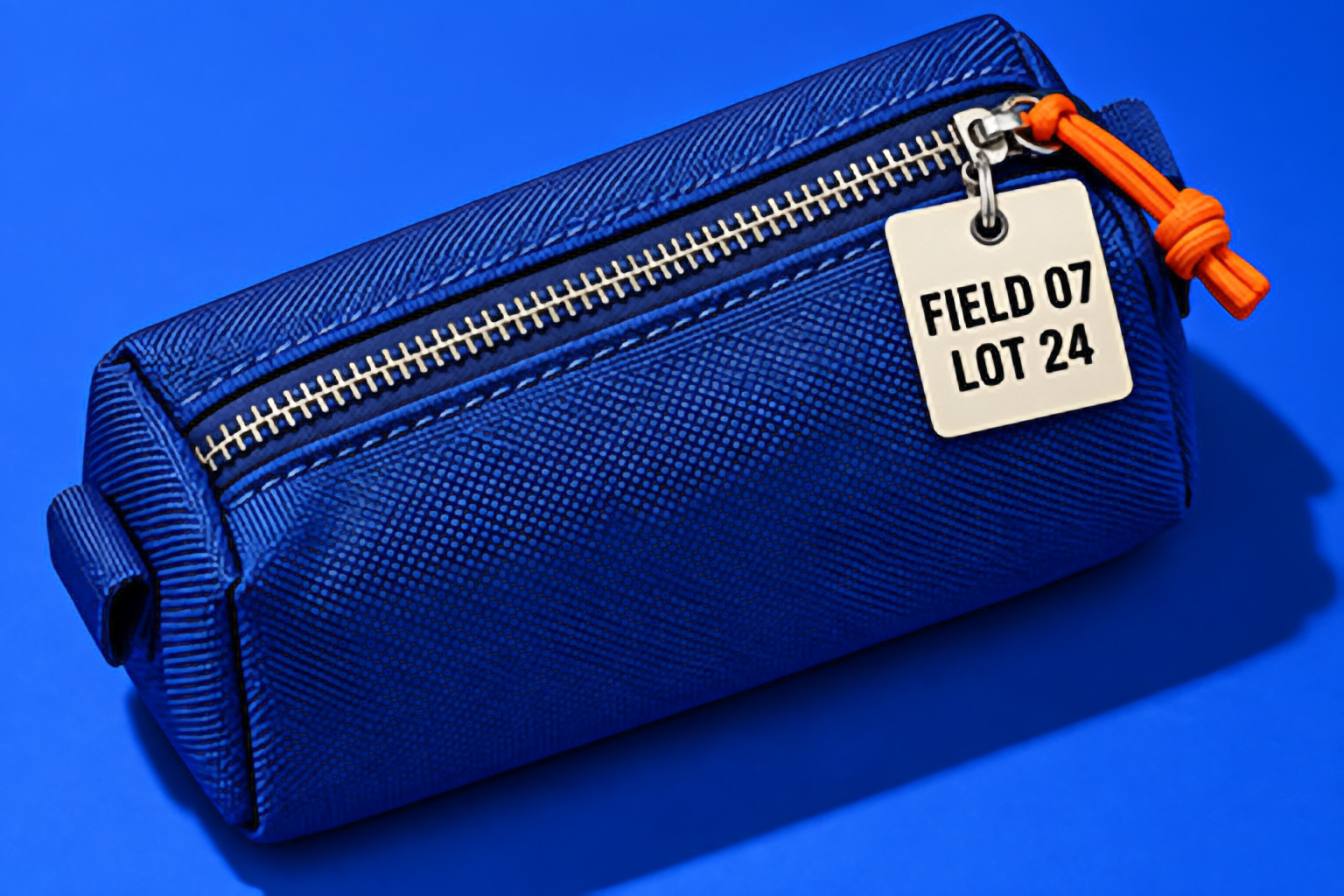
Contains AI-estimated detail.
Overview · fitted, not pixel scale
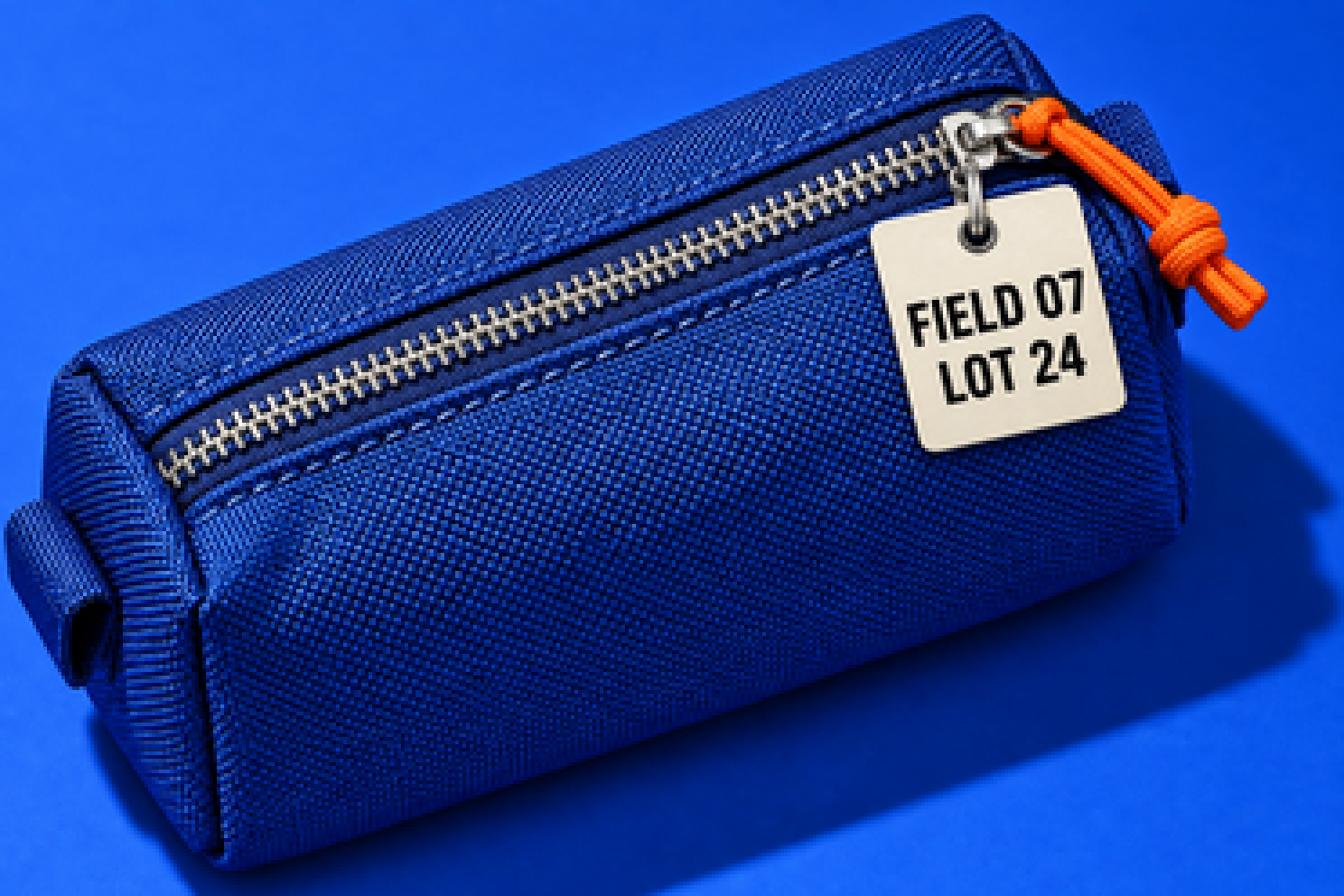
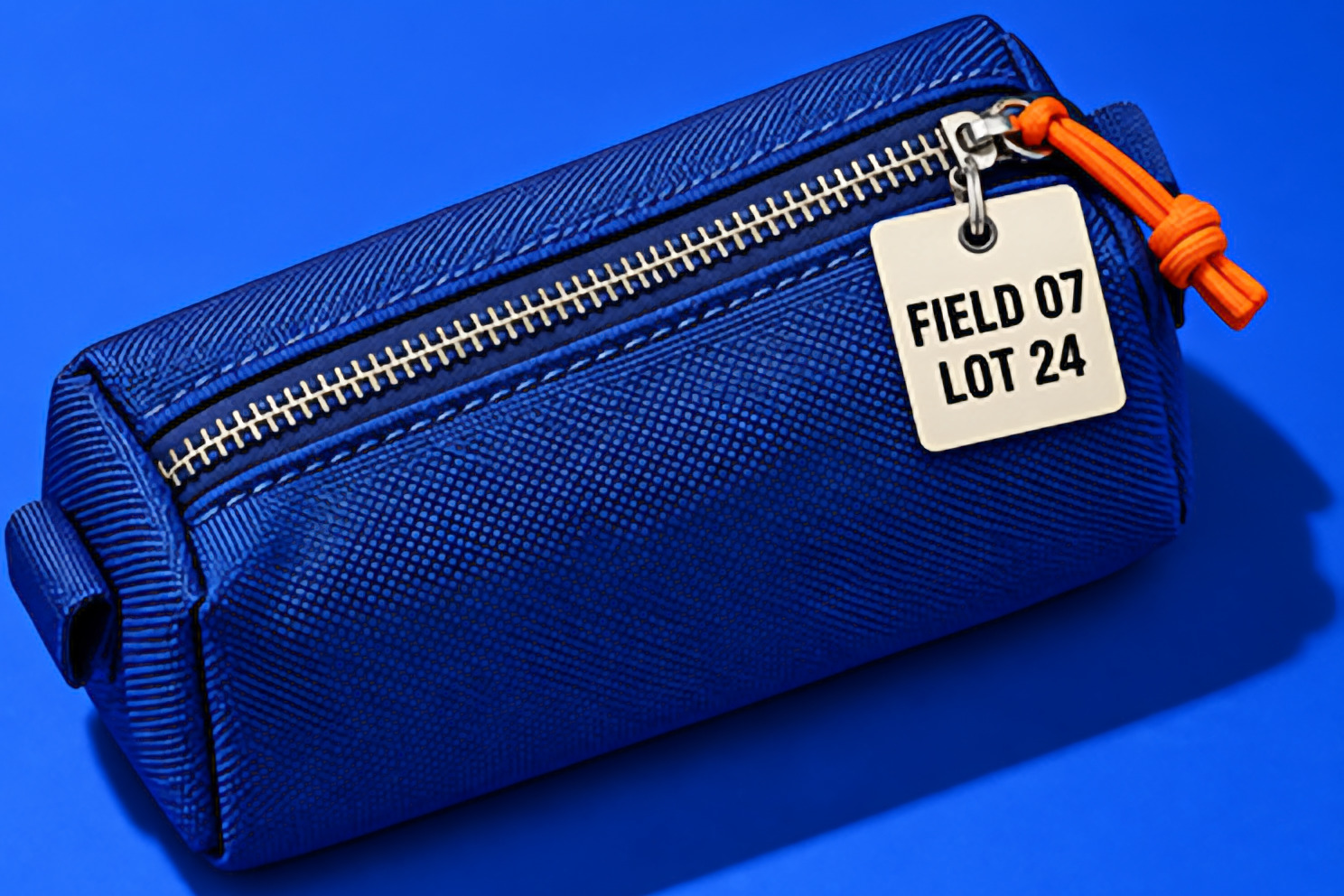
Contains AI-estimated detail.
Pixel detail · 1 output pixel = 1 device pixel
Result revealed 50 %
Choose your method
Three methods. Your choice.
Decide how the bigger image is made.
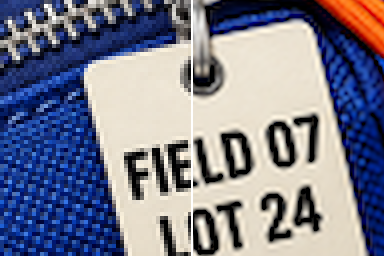 Source pixelsExact
Exact
Enlarge without AI.
Uses the source image. Missing detail stays missing.
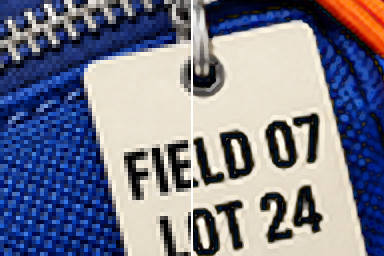 Source pixelsClarity
Clarity
Enlarge and sharpen existing edges without AI.
Bounded sharpening keeps the adjustment controlled.
 Source pixelsEnhance (AI)
Enhance (AI)
Estimate additional detail on-device.
Choose it when changed details are acceptable.
Contains AI-estimated detail. Check it at 100 % before you export.
For approved product details, choose Exact or Clarity and inspect the result.
Interactive sample
Choose a size. See the result.
Try the methods on a room photo.
The app opens with Enhance (AI) selected at 50% AI detail. Choose Exact or Clarity for enlargement without AI.
Contains AI-estimated detail.
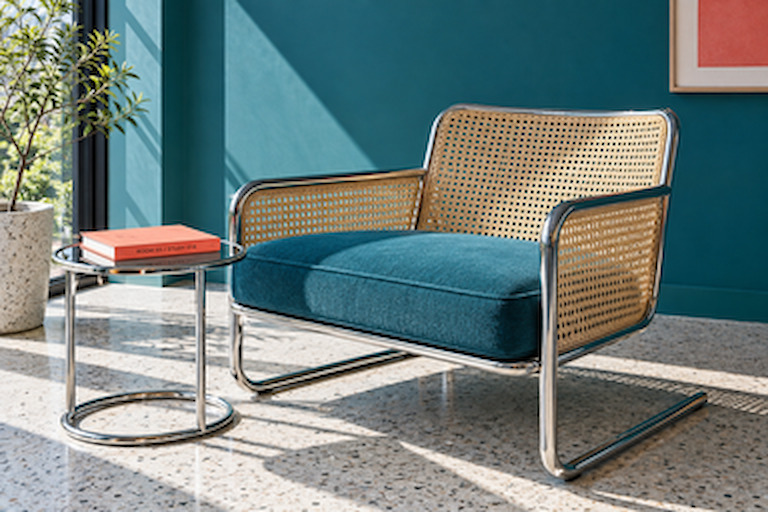
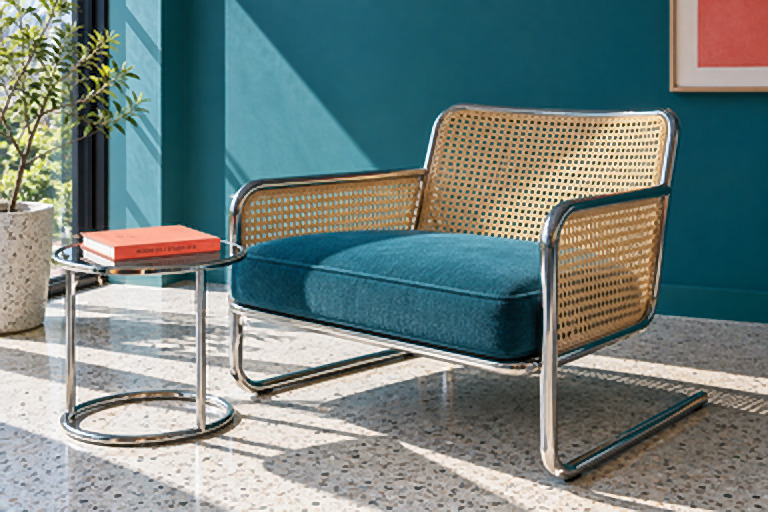
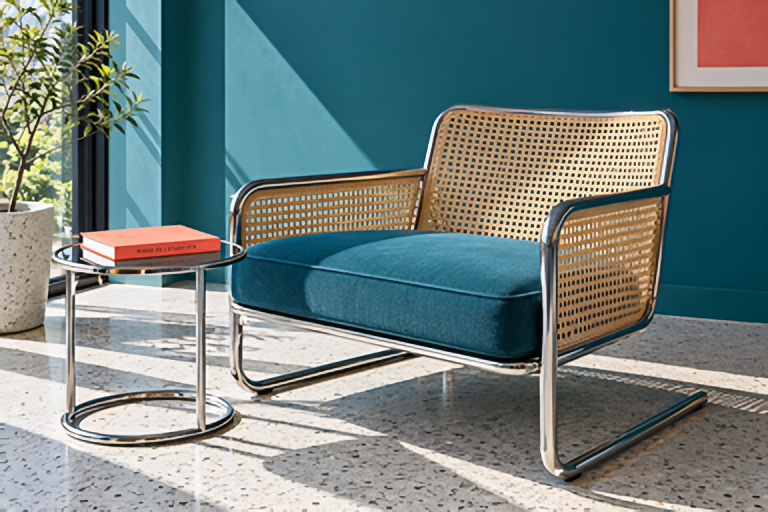
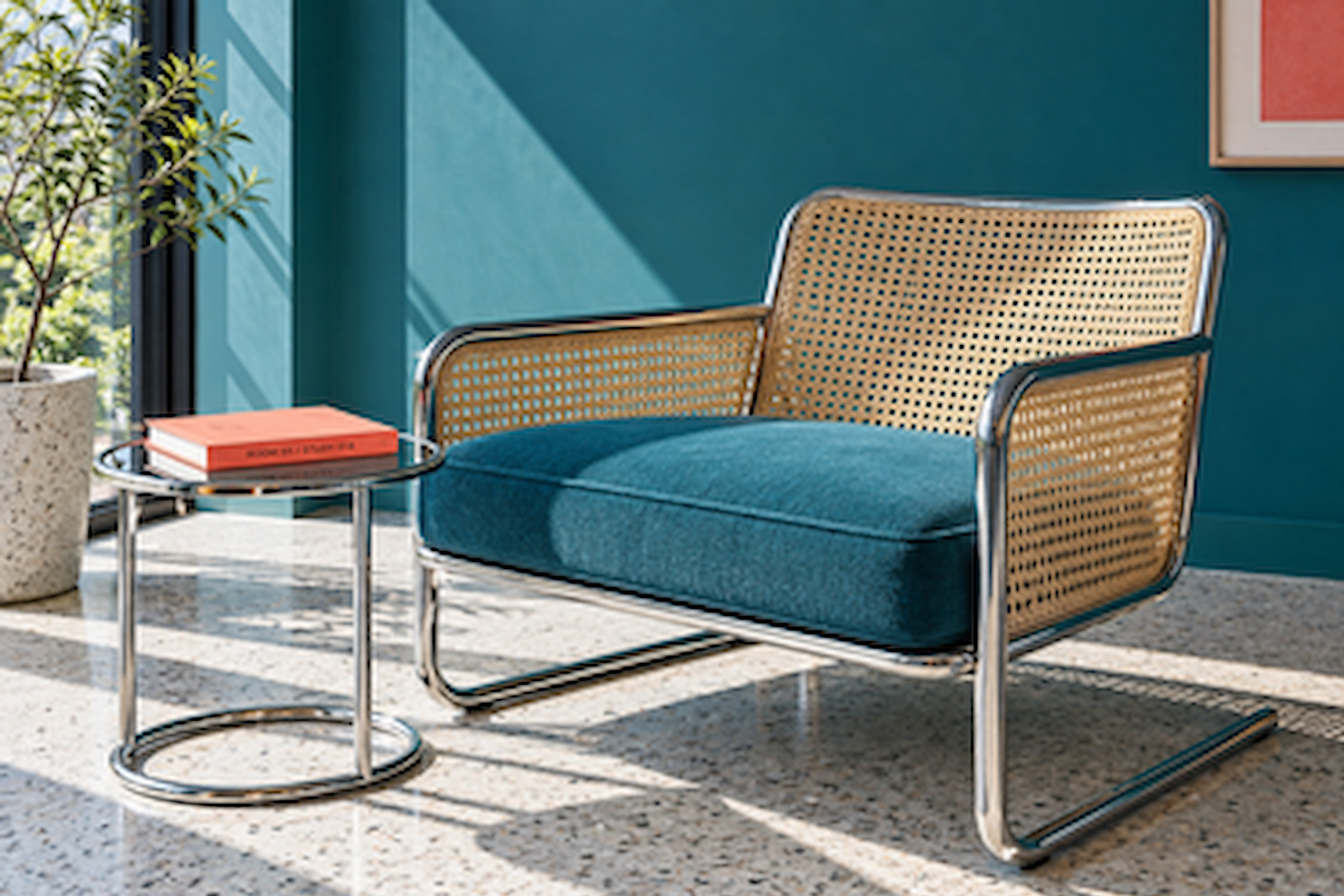
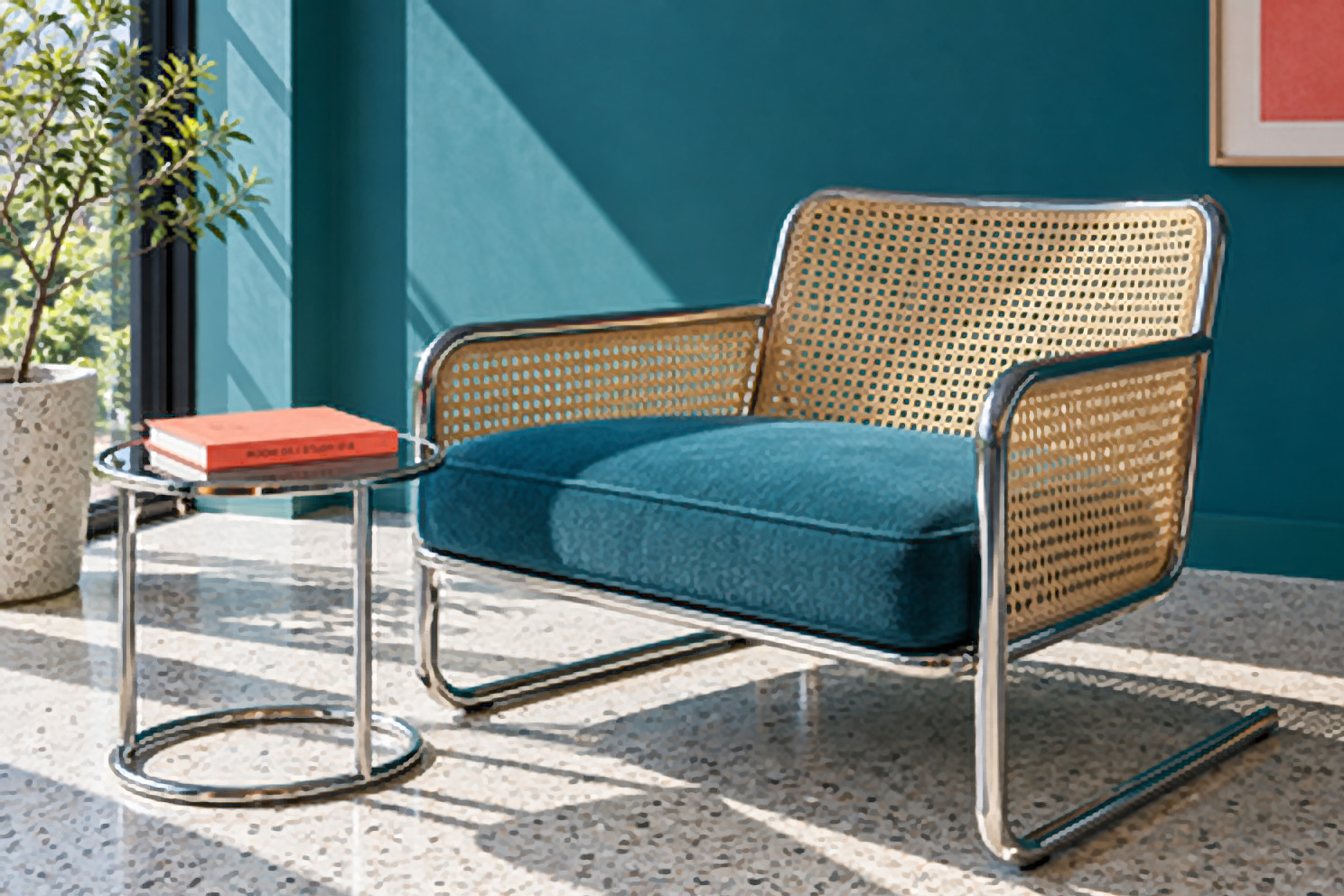
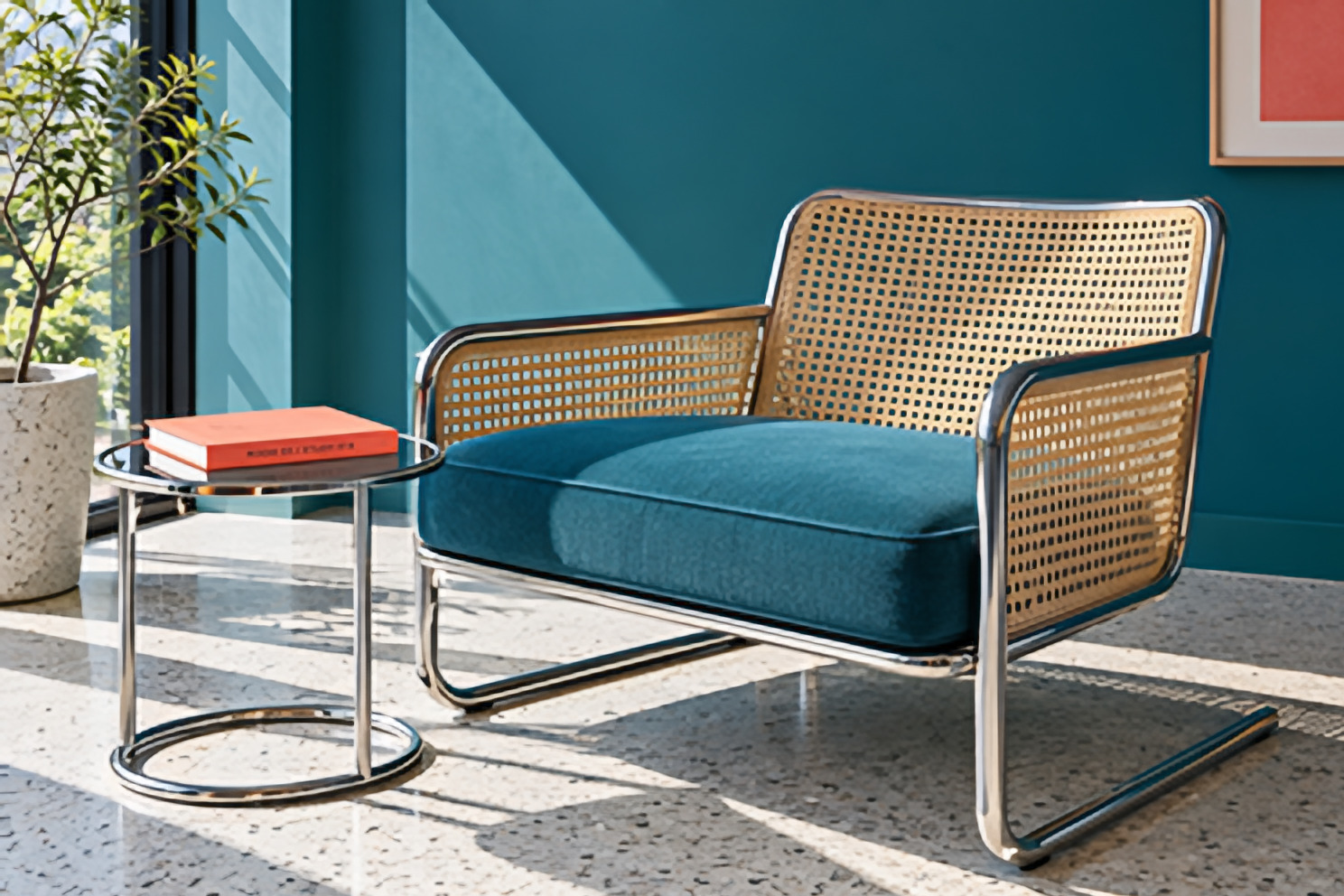

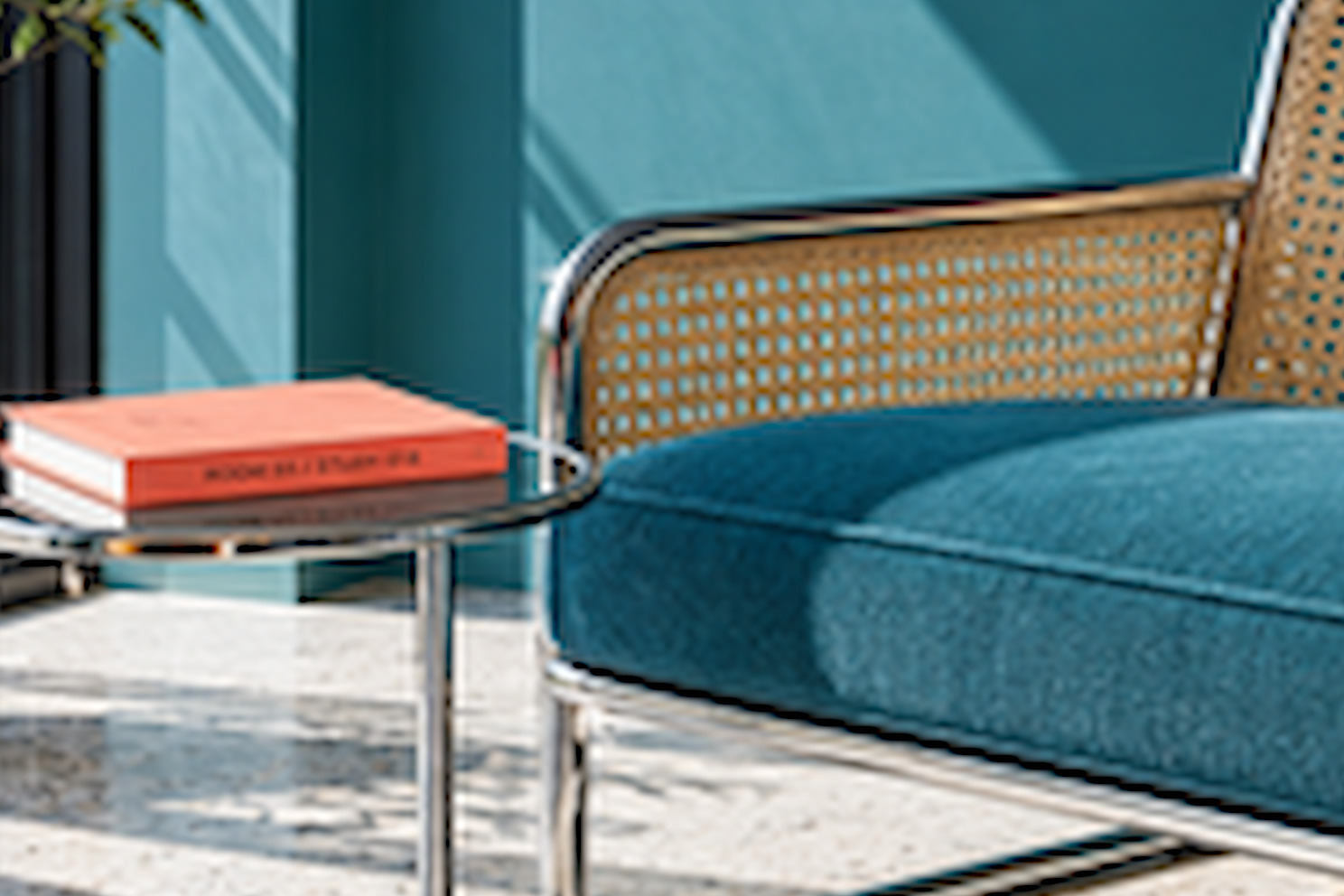
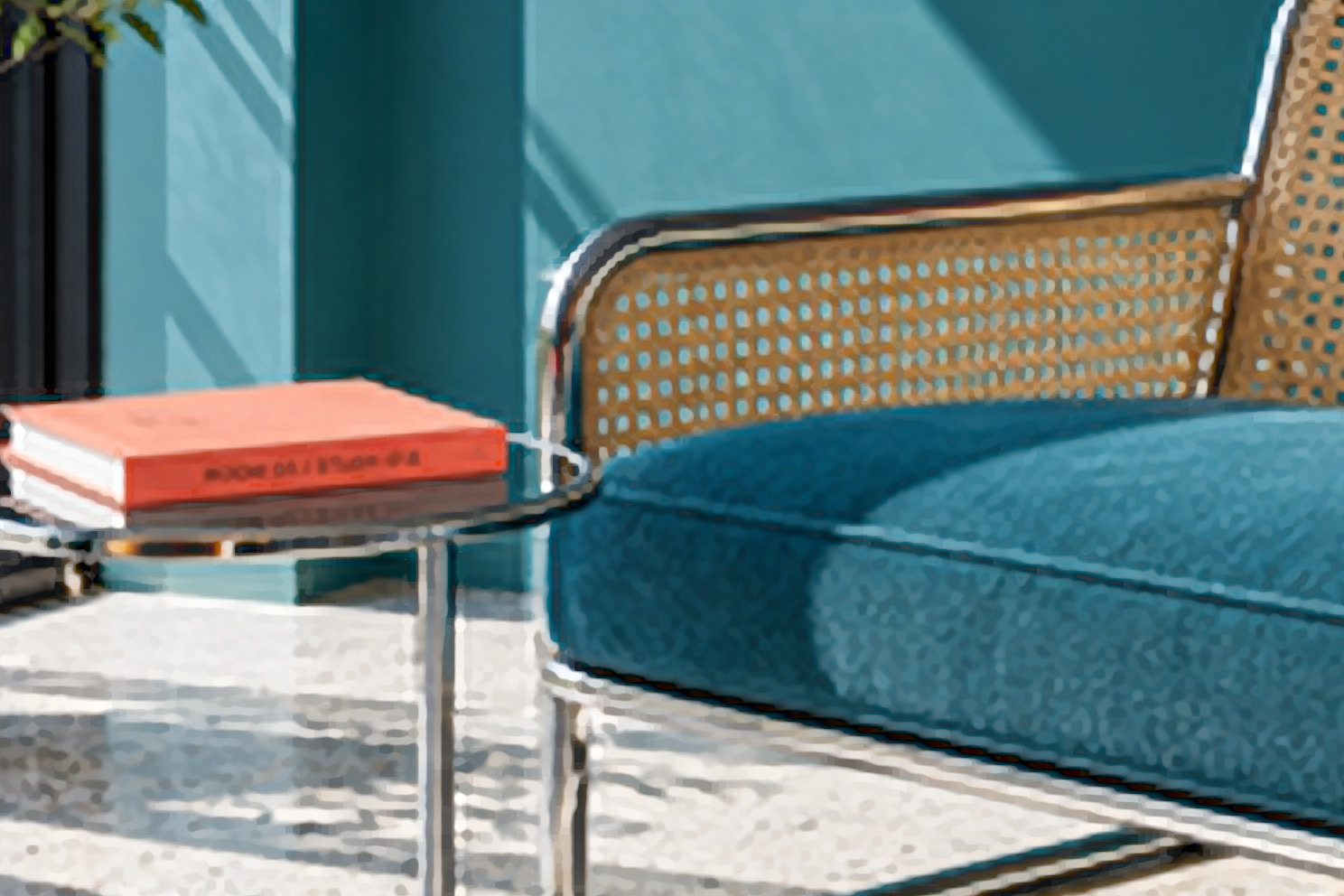
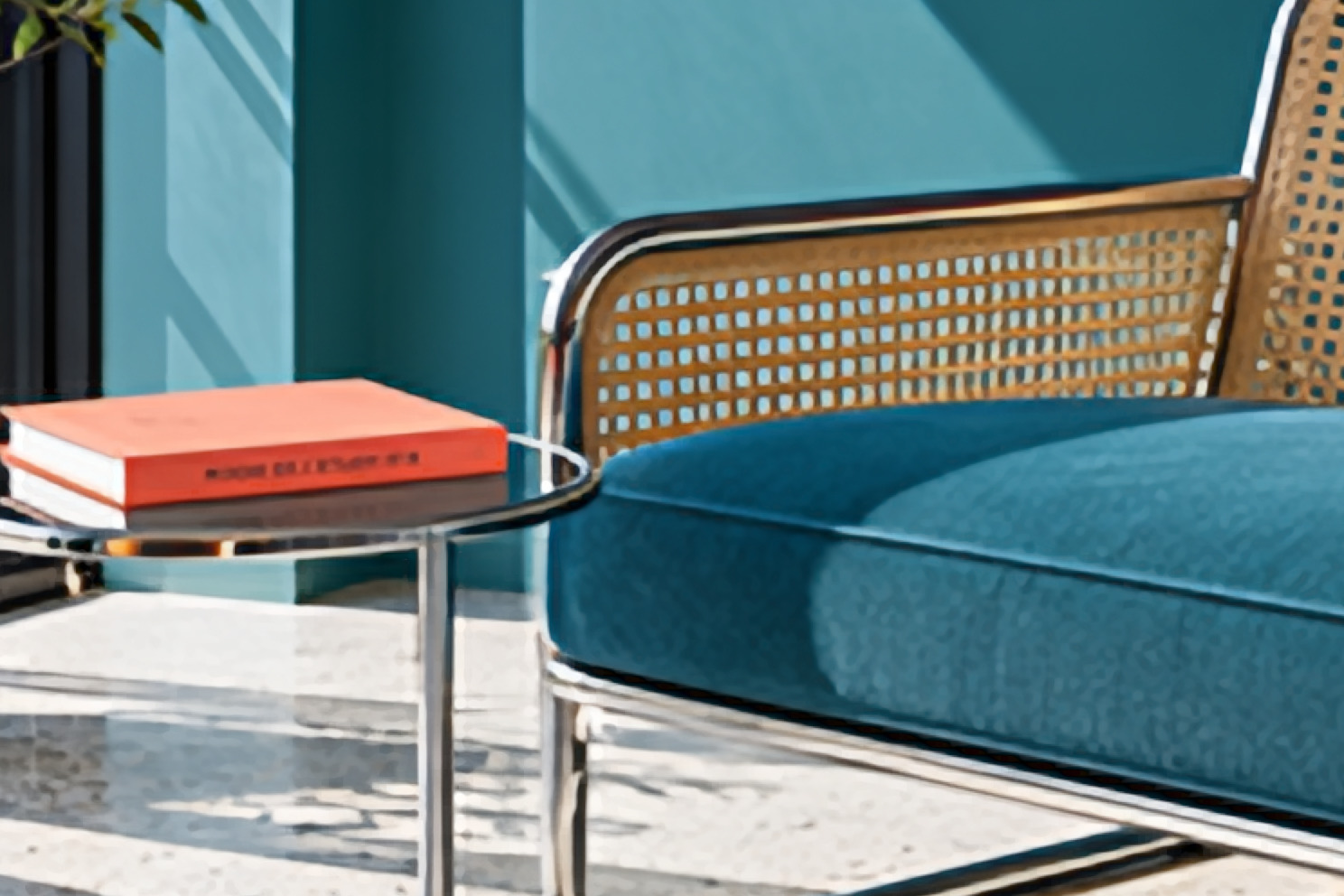
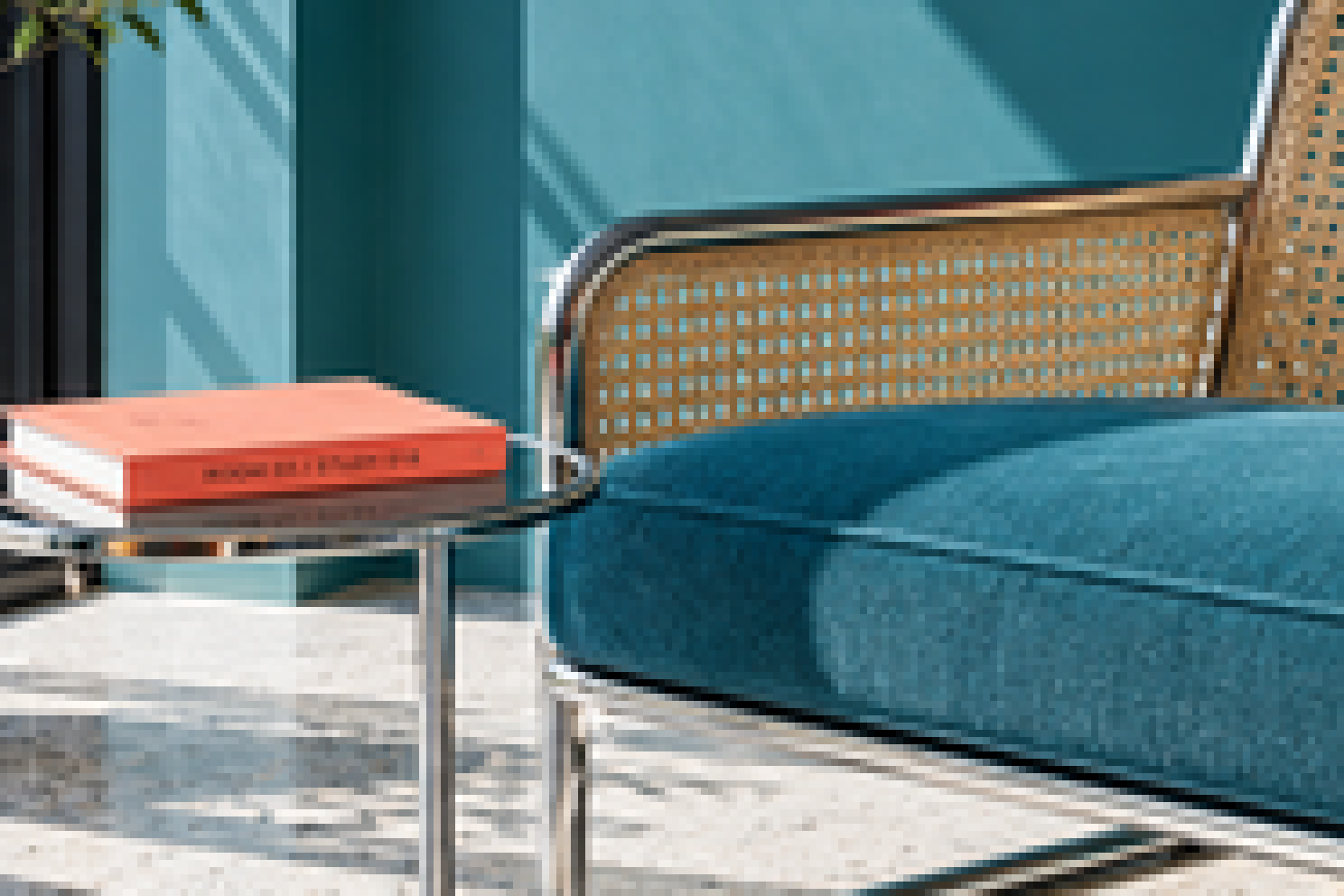
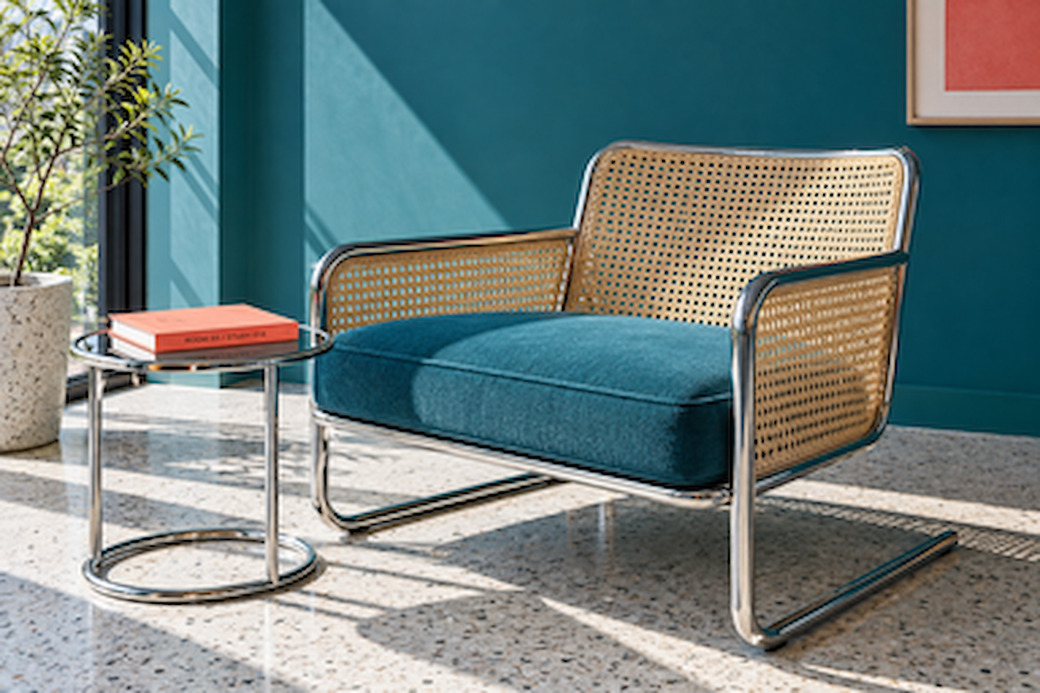
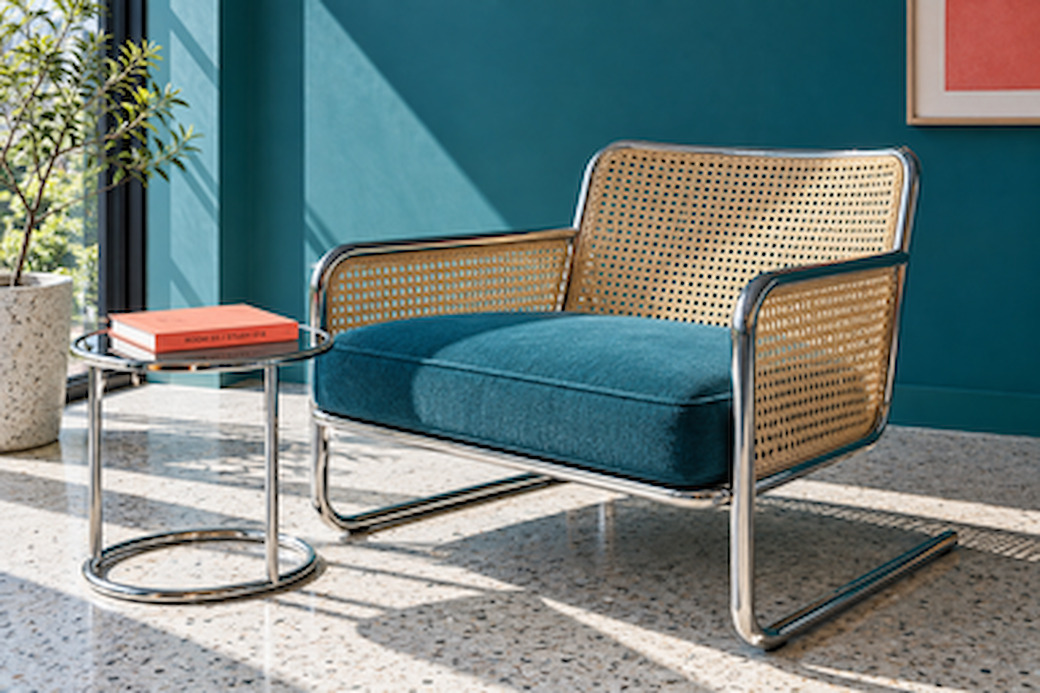
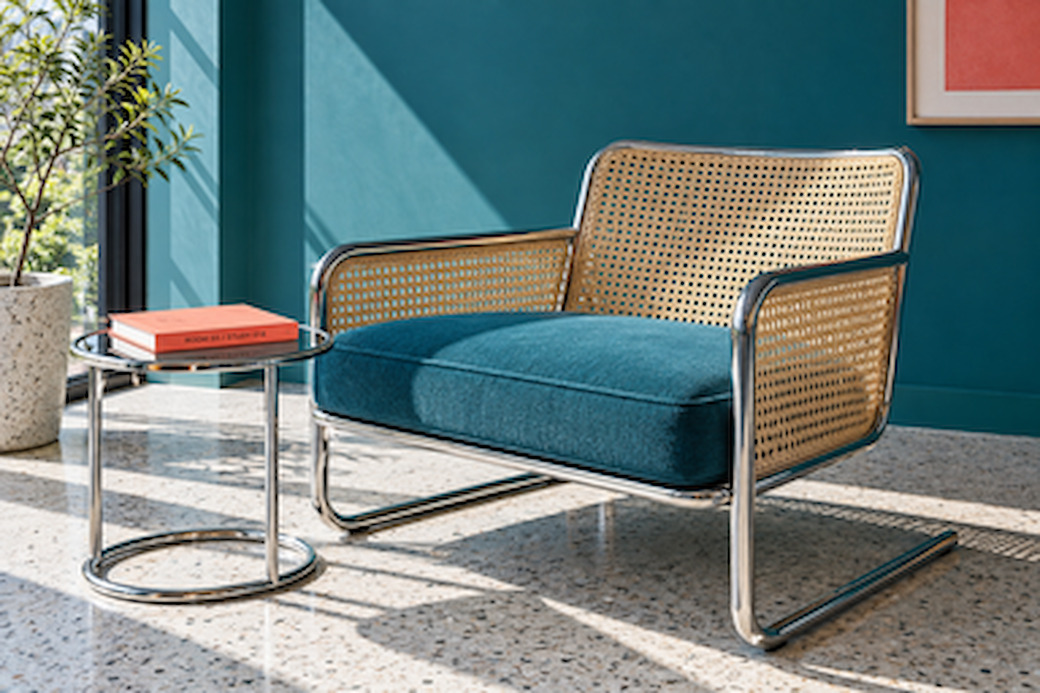
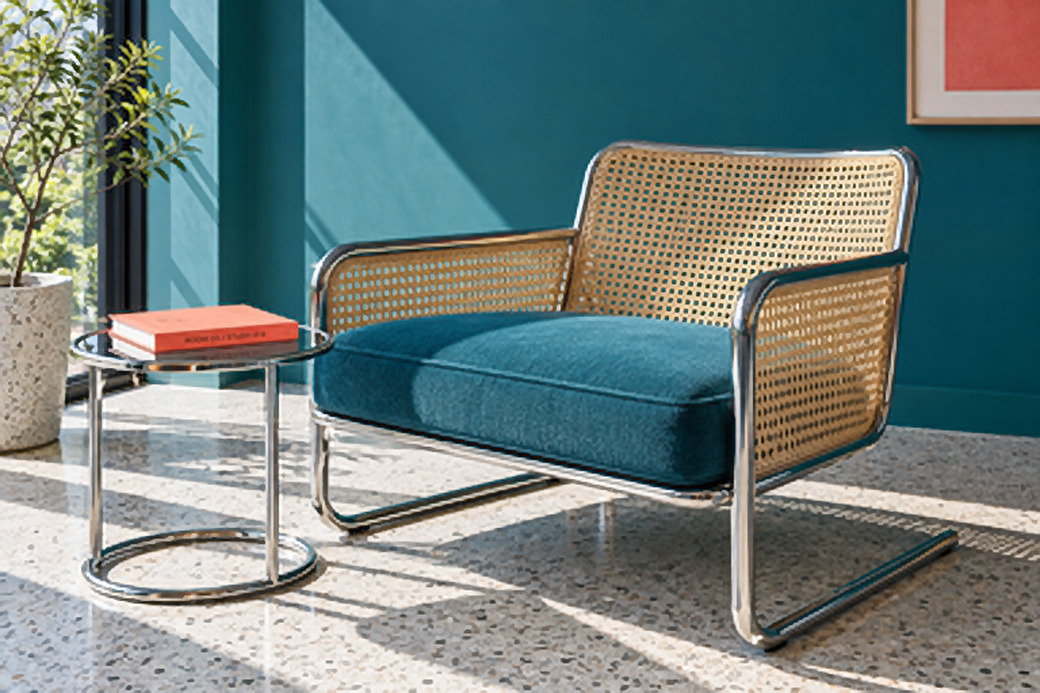
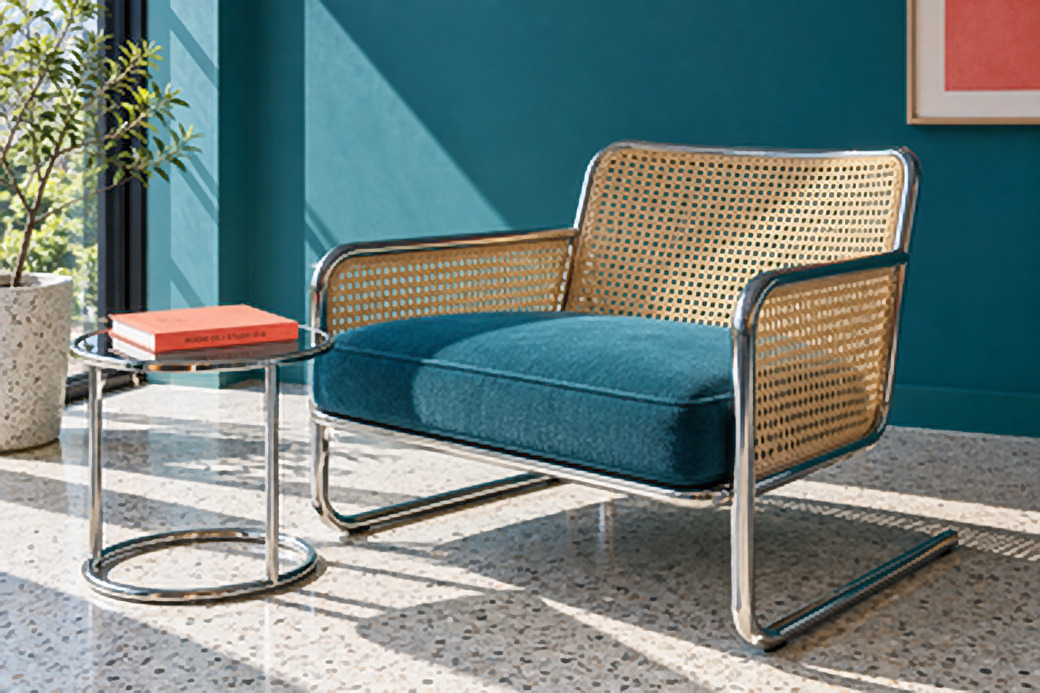
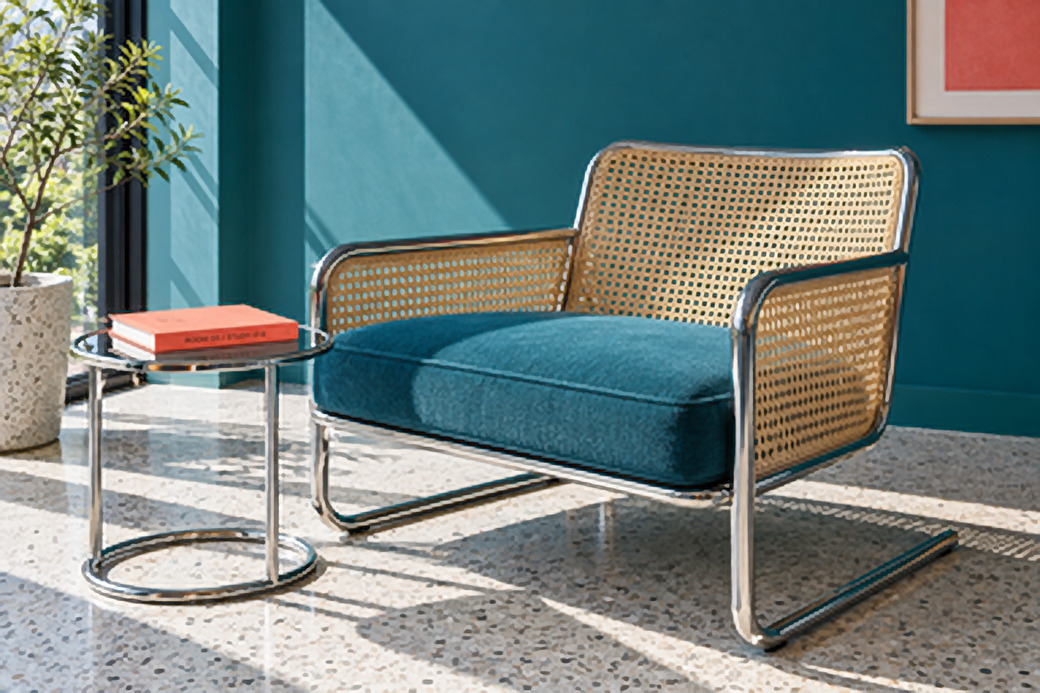
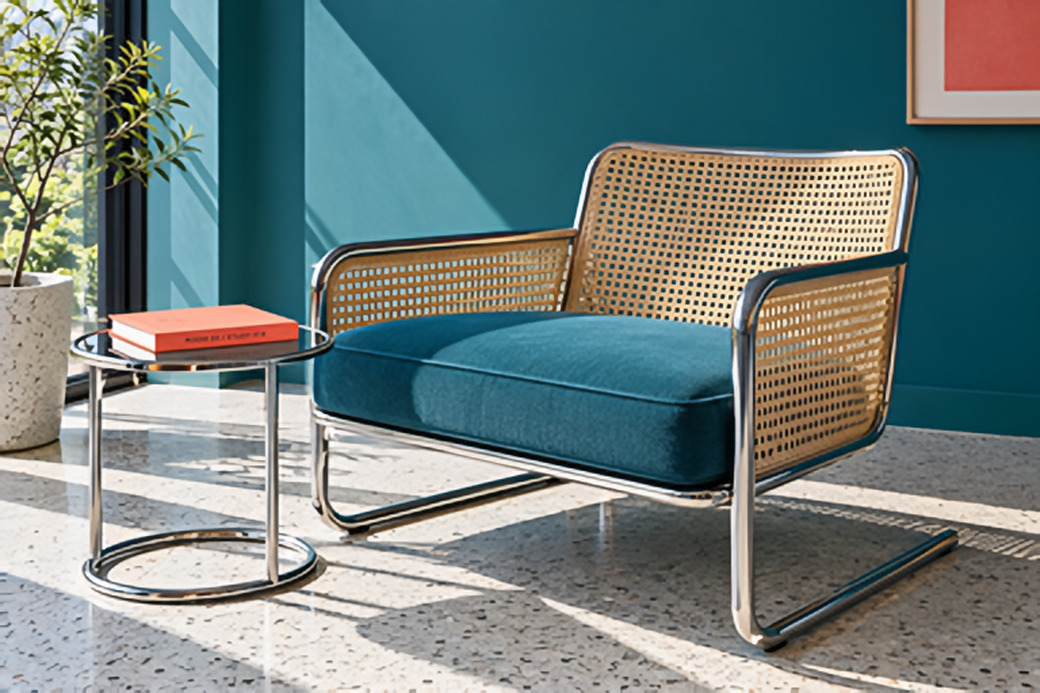
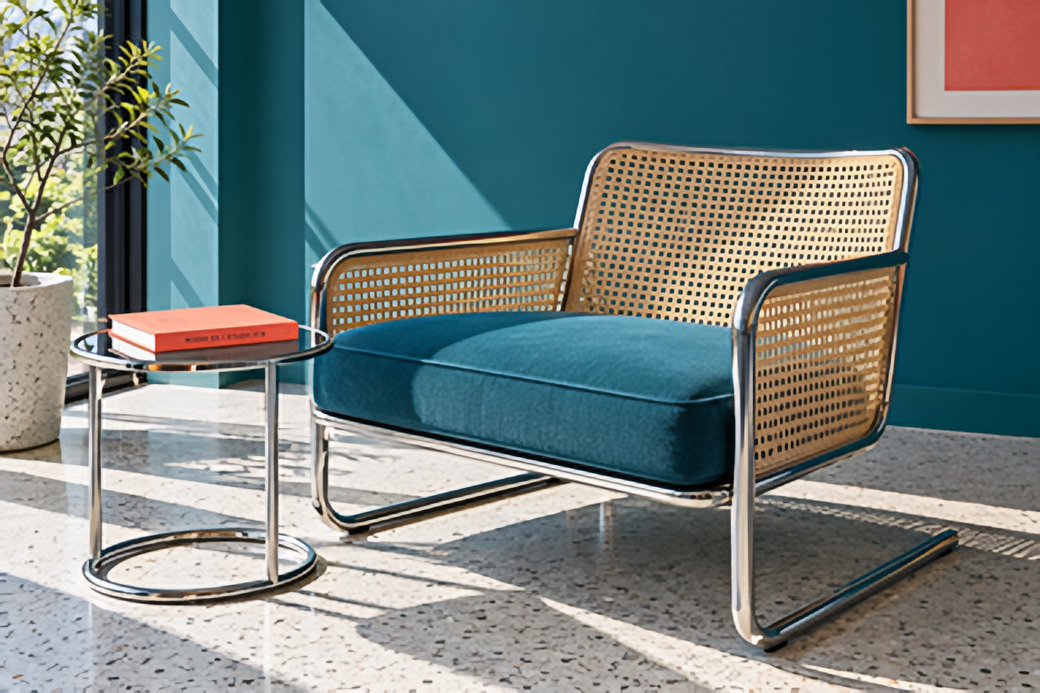
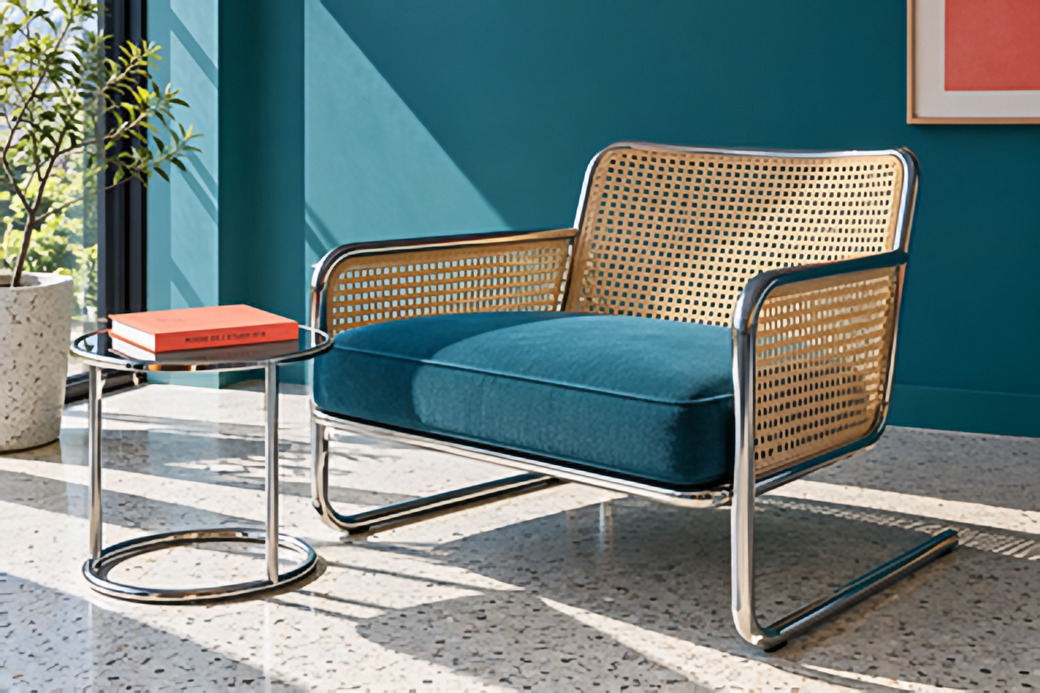

Sample image only. Open your own photos in the Mac app. Drag the handle, or use the arrow keys on the slider. Contains AI-estimated detail.
From file to export
One photo. Or a whole folder.
Choose your dimensions, inspect the result and export.
1. Open
Add files or folders.
2. Size
Choose 2×, 4×, 8×, longest side, exact width or height, fit within, or percent.
3. Export
Check the result at pixel scale before saving.





Open
Open With
Move to Bin
Get Info
Rename
Compress “ginger-cat.jpg”
Duplicate
Make Alias
Quick Look
Copy
Share…
Tags…
Show Preview Options
Quick Actions
MacnifyIt
Enlarge 2×
Enlarge 4×
Enlarge 8×
Illustration of Finder’s right-click menu. Not an interactive menu.
Or start in Finder: MacnifyIt ▸ Enlarge 2× / 4× / 8×.
Open: JPEG, PNG, TIFF, HEIC, WebP.
Export: PNG, JPEG, TIFF, WebP.
Colour profiles, EXIF, orientation, transparency and 16-bit depth are kept where the format allows. A local job receipt sits beside every export.
Local processing
Your images. Your Mac.
No upload. No account. No app telemetry.
Your images are processed on your Mac.
Licence activation and a roughly monthly licence recheck use an internet connection. This is not a payment renewal.
One licence
Pay once. Keep creating.
US$29once
One Mac · Personal and commercial use · 12 months of updates · No subscription
All sales final. Try your own photos before buying.
A few more details
Good questions. Clear answers.
The essentials before you start.
Which method should I choose?
Exact enlarges without AI. Clarity also sharpens existing edges. Enhance (AI) estimates additional detail on-device. Contains AI-estimated detail. Exact and Clarity change nothing: they enlarge only what is already in your photo. Inspect before exporting.
Will it work on my Mac?
One universal app for Intel and Apple silicon; Rosetta is not needed. Support for macOS 12 and later is planned; the current test build has been tested only on macOS 26.6. See System requirements.
Do my images leave my Mac?
No images are uploaded for processing. The app sends no telemetry. Licence activation and a roughly monthly licence recheck connect online; neither is a payment renewal.
Can it turn a thumbnail into a hero image?
Yes, in dimensions: a 275-pixel long edge becomes 2,200 pixels at 8×. Exact and Clarity use no regenerative AI: they enlarge existing information, leaving soft detail soft. Enhance (AI) estimates missing detail so the result can look more like a hero image. Contains AI-estimated detail. Check it at 100 % before you export. For print, ask your printer for pixel dimensions and PPI: a 2,400-pixel image is 8 inches wide at 300 PPI. Dimensions do not guarantee usable detail.
What does US$29 include?
One Mac, personal and commercial use, and 12 months of updates. No subscription.
How does the trial work?
12 full-resolution exports, unlimited previews, no account and no time limit. Try your images before buying. All sales final.
Try your own images
See what
fits your work.
12full-resolution exports. Unlimited previews.
No account. No time limit. Intel and Apple silicon.
Download for Mac
System requirements
MacnifyIt-[version].dmg · [size] MB · System requirements · Planned support: macOS 12 or later · Intel and Apple silicon (tested so far only on macOS 26.6) · [Notarized by Apple — show only after verification] · SHA-256 [checksum] · Copy SHA-256 · What’s in this version →
Requires a Mac